A stiff neck halfway through the morning, an ache between the shoulder blades by 3 pm, or a low back that complains on the drive home can make desk work feel far more demanding than it should. Learning how to improve desk posture is not about holding one rigid, ‘perfect’ position all day. It is about creating a set-up that supports your body, then giving yourself regular opportunities to move.
Posture-related discomfort is common among people who work from a laptop, use multiple screens, spend long periods in video meetings, or work from a kitchen table without a dedicated workstation. Small changes can make a meaningful difference, particularly when they are tailored to your height, work tasks, symptoms and daily routine.
Start with a posture you can move from
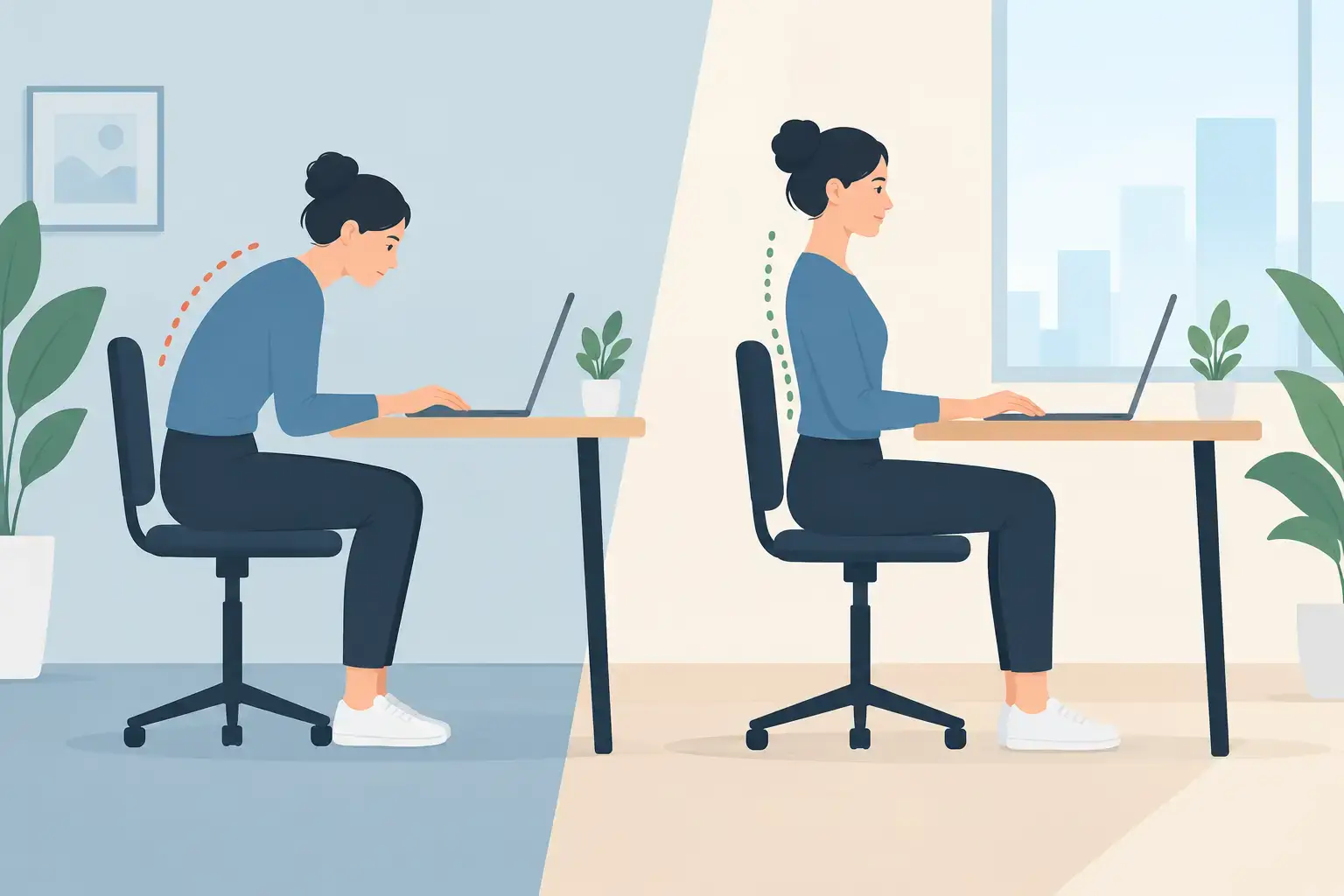
There is no single posture that suits everybody. Your build, previous injuries, eyesight, mobility, stress levels and the type of work you do all influence what feels comfortable. Rather than trying to sit bolt upright with your shoulders pulled back, aim for a supported, relaxed starting position.
Sit back in your chair so your lower back is supported by the backrest. Your feet should rest comfortably on the floor or on a stable footrest, rather than dangling or being tucked underneath you. Let your shoulders soften and keep your elbows close to your body, bent at roughly a right angle when using a keyboard or mouse.
A neutral posture is useful, but movement is just as valuable. Even an excellent chair cannot offset hours spent completely still. Shift position, stand for a short call, walk to refill your water, or change tasks where possible. Think of your workstation as a place to move well, not a position you must maintain perfectly.
How to improve desk posture through your workstation set-up
The most helpful adjustments are often straightforward. Start with the items you use most often, then make changes one at a time so you can notice what genuinely improves comfort.
Set your chair before adjusting anything else
Begin with chair height. Your hips should be level with or slightly higher than your knees, with your feet supported. If raising the chair leaves your feet unsupported, add a footrest or a firm object designed for the purpose.
Use the backrest rather than perching on the edge of the seat. If your chair has lumbar support, position it in the natural curve of your low back. If it does not, a small rolled towel can provide gentle support. Avoid making the support too large, as excessive pressure may feel uncomfortable and encourage you to sit forward.
The seat depth matters too. Ideally, there should be a small gap, around two to three fingers’ width, between the front edge of the seat and the back of your knees. This helps prevent pressure behind the thighs while allowing you to use the backrest.
Bring the screen to you
A screen that is too low is a frequent cause of a head-forward position, especially when working from a laptop. Position your main screen directly in front of you, approximately an arm’s length away. The top third of the screen should usually sit around eye level, although the best height can vary if you wear varifocal glasses or have a particular neck condition.
If you use a laptop for more than short periods, raise it on a stable stand and use a separate keyboard and mouse. This is one of the most effective ways to reduce the compromise between looking down at the screen and reaching up to type.
With two screens, place the screen you use most directly in front of you. If you use both equally, position them close together in a shallow V shape. Repeatedly turning to one side for hours can contribute to neck and upper-back tension.
Keep your keyboard and mouse close
Your keyboard should allow your forearms to rest comfortably, without reaching forward or lifting your shoulders. Keep the mouse beside the keyboard, not at arm’s length. A long reach may seem minor, but it is repeated hundreds of times during a working day.
Try to keep your wrists relatively straight when typing and using the mouse. Resting your wrists heavily on a hard desk edge can cause irritation, so position your chair and keyboard to leave enough space for relaxed forearm support. If you spend much of the day on a laptop trackpad, an external mouse may reduce unnecessary hand and shoulder strain.
Make room for the work you actually do
Ergonomics should reflect your tasks, not a generic diagram. If you regularly read paper documents, use a document holder rather than placing them flat beside the keyboard. If you answer calls often, use a headset instead of trapping a phone between your shoulder and ear. If you work from home and share a table, a portable laptop stand, keyboard and mouse can make a temporary set-up much more workable.
Build movement into the day
The body tends to tolerate variety better than stillness. A useful target is to change position regularly, ideally before discomfort becomes intense. You do not need a complicated exercise routine at your desk. Frequent, brief changes are often more realistic and more sustainable.
Every 30 to 60 minutes, stand up for a minute or two. Walk to another room, roll your shoulders, gently turn your head from side to side, or perform a few sit-to-stands from your chair. If your work requires concentration, use natural pauses between tasks, after a meeting or when sending a file as reminders to move.
It can also help to vary your working posture. Some people benefit from alternating between sitting and standing, but standing desks are not automatically better. Prolonged standing may aggravate feet, knees, hips or low-back symptoms in some people. If you have a sit-stand desk, begin with short standing periods and alternate rather than trying to stand for most of the day.
Outside work, regular walking, strength training, yoga or mobility work can support general capacity and confidence in movement. The most suitable option is the one you can enjoy and repeat consistently.
Pay attention to the habits around your desk
Your desk set-up is only one part of the picture. Stress can lead to jaw clenching, shallow breathing and raised shoulders. Deadlines may mean skipped lunch breaks. Poor sleep can make ordinary muscular tension feel more noticeable the following day.
Try to notice your own patterns without blaming yourself. Are you craning towards the screen because the text is too small? Are you leaning forward during difficult tasks? Do you lose track of time in back-to-back meetings? Increasing text size, using calendar prompts for short breaks, or stepping away for lunch may be more effective than repeatedly telling yourself to ‘sit up straight’.
Vision and hearing can also affect posture. If you struggle to see the screen clearly, you may lean forwards. If you find yourself turning one ear towards colleagues or increasing your screen volume, it is worth addressing the underlying issue rather than adapting your body around it.
When discomfort needs individual support
Simple adjustments are a sensible first step for mild, recent discomfort. However, persistent or worsening pain deserves a proper assessment. This is particularly true if pain travels into an arm or leg, you have numbness, tingling, weakness, severe headaches, dizziness, unexplained symptoms, or discomfort following an injury.
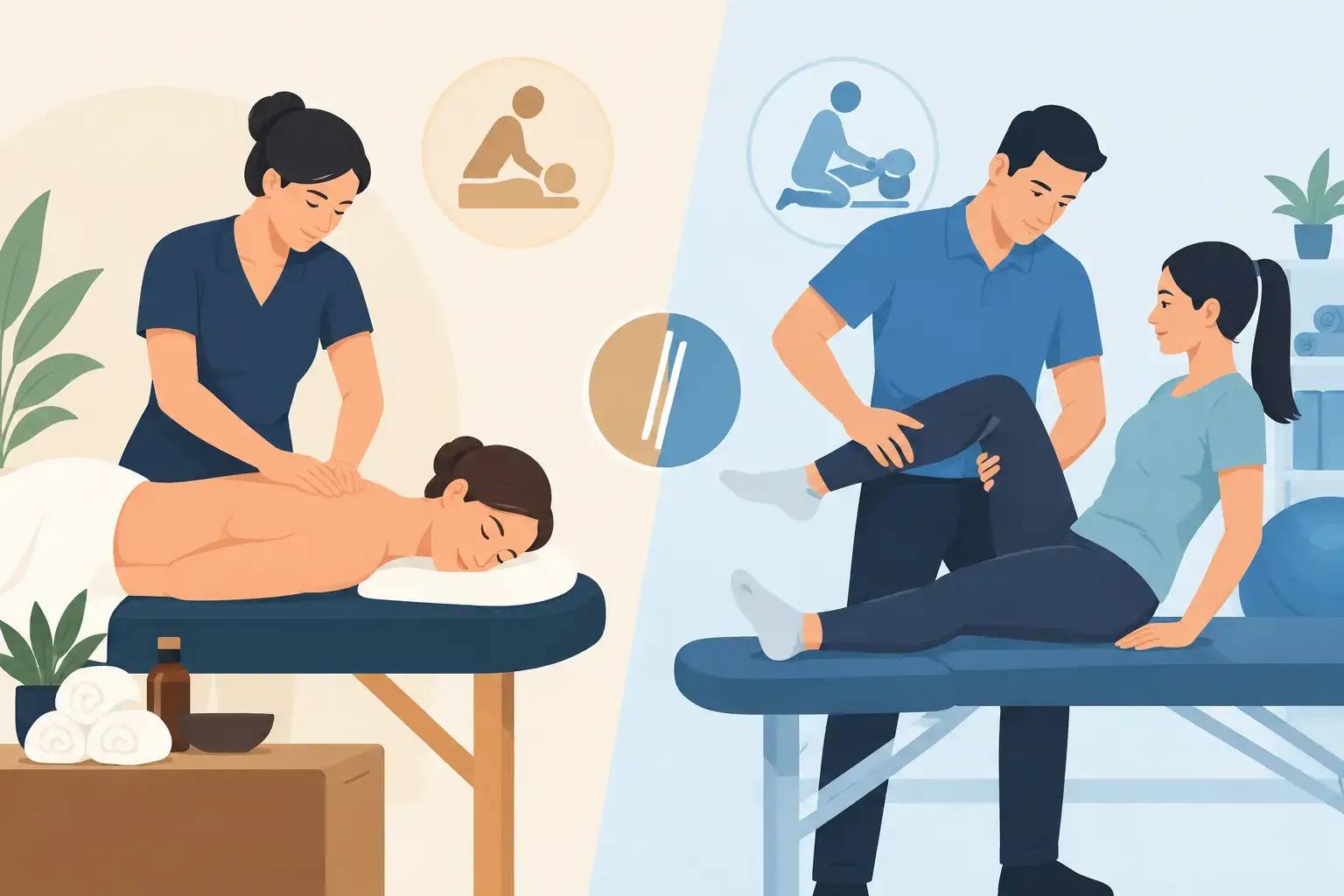
An osteopath or physiotherapist can assess how you move, identify factors contributing to your symptoms and provide an individually tailored plan. This may include hands-on treatment, rehabilitation exercises, advice on pacing activities and guidance on returning to sport or gym training. A workplace ergonomic assessment can be especially useful when your role involves specialist equipment, prolonged computer work, repetitive tasks or a home-working arrangement that is difficult to adapt.
At Faringdon Wellbeing Clinic, our expert team can help you understand whether your symptoms are primarily related to your workstation, movement habits, an injury or a combination of factors. Care can be planned around the things you need to do each day, rather than asking you to fit your life around a generic posture rule.
A comfortable desk posture is not something you achieve once and then forget. Adjust your environment, move often, and respond early when your body asks for a change. Those small, regular choices can help work feel more manageable and leave you with more energy for the parts of your day that matter.